
Skip the account step
Choose a partner and play solo. No room or official account server required.
Single-player. Local saves. No account. Prepare once online, then play from this browser’s offline storage.

First load needs internet · No account
Choose a partner and play solo. No room or official account server required.
Download and verify the full game first. Reopen the standalone address when offline.
Local saves plus JSON export. Your offline progress stays separate from official accounts.
Tick the steps you have completed. This checklist does not inspect your browser cache or save.
0 / 5 steps checked
| Your priority | This offline adaptation | Original PokeBonk |
|---|---|---|
| A self-contained solo session | Local play without an official account connection | Visit the original for its current connected game |
| Playing without internet | After complete preparation in a supported browser | Original offline capability is not verified here |
| Progress and recovery | This browser + exported backups | Separate original account and save system |
| Co-op, friends and rankings | Not connected | Use the original for its connected services |
| Rewards and updates | Independent local reward rules; supplied v0.8.57 build | Original release rules and updates |
More convenient for offline solo play does not mean feature-identical. Visit original PokeBonk ↗ · Original guide & Forest Party
Start with a stable connection and open the standalone game using Prepare offline beside the player. This matters because browsers can keep embedded storage separate from a normal tab. Use the standalone address for both preparation and later offline sessions. The wiki article itself is not included in the game cache, so bookmark the game rather than relying on reopening this article without a connection.
In the game menu, choose Prepare offline and leave the tab open. The installer downloads roughly 67 MB of game files and checks every file against its expected size and fingerprint. A progress count shows completed files. Only the final ready message means the complete resource set has been saved. Loading the menu or playing one arena is not enough to prepare every map, language and sound.
Before travelling, turn off your connection and reopen the bookmarked game in the same browser. Confirm that the menu and a new run load. If preparation fails, reconnect, check available device storage and retry. Your local progress is stored separately from downloaded game resources.
The advantage of this edition is independence from an account server during a solo session. You do not need to register, join a room or wait for another player. After the full offline preparation has completed, a weak connection does not need to interrupt your next run. That makes it useful for commuting, unreliable Wi-Fi or a short practice session where you only want to choose a partner and play.
This is a specific convenience, not a claim that every part of the original is worse. An online edition can offer shared play, server-backed accounts and social competition. This adaptation leaves those services out. Choose the solo edition when local play matters most; choose the original when you want its connected features. They have separate progression, and an achievement here is not an official leaderboard result.
Circle around the pack while the ground ahead is clear.
Approach the experience pickup after the pack has passed.
Choose one of the three initial partners: Bulbasaur, Charmander or Squirtle. Then use the game’s play flow to select an available region and mode. Classic and survival play are supported by the supplied solo adapter. Follow the unlocks shown in your own menu rather than assuming every region is immediately available on a fresh save. The packaged catalog includes forest, desert, coast and glacier content.
For the opening minutes, keep enough empty ground around your character to change direction. Basic attacks happen automatically, but safe positioning still depends on you. Watch what your selected attack actually hits before moving closer to a crowd. Pick up experience when there is a clear route, and read the next upgrade before committing to it. A short run that teaches you how to avoid damage is more useful than a risky attempt to collect everything at once.
End a run through the game’s own result flow when possible. The local adapter records completed results and progression; closing the tab during combat is not a mid-battle save.
 Bulbasaur
 Charmander
 Squirtle
The three starters give you a manageable first decision. Choose a familiar partner, watch its opening attack and practice keeping enemies where that attack can reach them. You can inspect the in-game descriptions before spending upgrades. This guide does not assign an invented best starter or promise that one choice wins every arena. Your movement, upgrade decisions and comfort with the attack pattern all matter.
Try changing only one part of your approach between attempts. Keep the partner and mode the same while testing a different movement route or upgrade choice. Once you understand the difference, switch partners and compare the opening experience. The illustrations here come from the supplied package and identify the three initial choices; they are not screenshots of a completed offline run or evidence of a competitive ranking.
On desktop, use WASD or the arrow keys to move. The supplied offline instructions identify R for the ultimate ability, E for interaction and Escape for pause. Check the settings inside this build for the complete control list and any available changes. Click inside the player before using keyboard controls so that your movement keys reach the game rather than scrolling the surrounding article.
Use the fullscreen control or standalone window if the embedded interface is too small. On a phone, landscape gives the battlefield and menus more usable room. The client includes touch-interface handling, but this is not a promise of equal performance on every phone. Start with a short session, check whether you can reach the movement and action controls, and lower visual quality in settings if the frame rate feels unstable. Offline play removes a network dependency; it does not remove graphics hardware requirements.
Read each upgrade in the context of the attacks you already have. More damage can help, but range, coverage and how safely you can keep moving also affect a run. If your main problem is getting surrounded, consider choices that help you control nearby space. If you reach tougher enemies comfortably but cannot finish them, compare the offensive choices available in that particular run.
Use the visible game descriptions as the source of truth for move requirements and evolution conditions in this packaged version. The separate PokéSurvivor wiki database describes a different game and should not be used as a recipe book for this edition. Likewise, an online PokeBonk guide may describe a newer build. When a guide and the game disagree, check the build and the exact move description before spending an upgrade. Keeping notes about one successful combination is more practical than memorising an unverified universal build.
Local progression lives in browser storage. Use the same browser profile and the same standalone game address when you return. Switching between an embedded player and a standalone tab can produce different storage behaviour, especially when privacy protections partition third-party content. If you cannot see a save, first return to the exact context where you made it. Do not immediately overwrite it with a new game.
Use Export save from the menu tools to download a JSON backup. Keep that file somewhere you can find before clearing site data, changing devices or resetting a browser profile. A downloaded backup is separate from the resource cache: preparing the game for offline use does not export your progress. After an important session, finish the result screen, return to the menu and make a new backup.
Import save replaces the current local profile after confirmation. Finish the active run first and export the current profile before importing another file. This tool is intended for saves from this offline adaptation, not official cloud accounts.
You need an internet connection for the initial visit and complete resource preparation. After that, the prepared standalone game can serve its files from browser storage. This does not make the whole wiki, external videos or the original website available offline. Open the bookmarked game directly. Browser support, available storage and device cleanup policies can affect how long the cached files remain available.
Private browsing is a poor choice for progress you want to keep. Its storage may disappear when the session ends, and some browsers restrict service workers or embedded storage. A normal browser profile with enough free space is the more practical choice. If the browser removes the resource cache, reconnect and prepare it again. If it removes the local save as well, you need your exported backup. No account recovery service is connected to this edition, so keep that backup outside the browser.
The supplied adaptation preserves local play and progression by replacing requests to the official account backend with a browser-side adapter. It handles starter selection, supported purchases, results and local records. However, the original server’s reward calculation was not included in the supplied client. This edition therefore uses its own local stardust calculation. Treat its economy as a separate solo experience rather than an exact copy of official server progression.
Online cooperation, public rankings, guilds, friends, official accounts and live service events are not connected here. A local result is useful for comparing your own attempts, but it is not submitted as an official score. Exported progress does not merge into an original account. These differences are especially important if you are following a video recorded in another build: a visible menu, price, event or reward in that video may not exist in this adaptation.
If a first launch stays on the loading screen, check the connection, try the standalone window and confirm that the browser supports WebGL. A resource download can take longer than the menu suggests on a slow connection. If an offline preparation attempt reports a missing or mismatched file, reconnect and retry preparation. The ready message is deliberately withheld after a failed check, so a partial download cannot be mistaken for a complete installation.
If a later offline launch fails, reconnect in the same browser and game address before trying again. Do not clear all site data as the first troubleshooting step: that can remove your save as well as cached files. Export a backup while the game is accessible. For a bug report, include the browser, device, chosen language, mode and the last action you took. Never include account passwords, private tokens or unrelated personal files.
Use this solo adaptation when you want a self-contained run and control over a local backup. Visit the original PokeBonk website for its current release information and connected services. The original developer’s work, game artwork and existing in-game credits remain distinct from the hosting and offline adaptation provided here. This is an independent fan-hosted adaptation, not an official Pokémon release or a replacement for the original account service.
The files supplied for this page identify version 0.8.57. Future releases of the original may add features or change game rules that are absent here. We do not silently import official account data or promise automatic compatibility with future versions. Before switching versions, preserve a backup and read the differences. For cooperative play on this wiki, the separate Forest Party page describes another game with its own rooms and rules; it is not multiplayer mode for this offline edition.
This solo adaptation uses local progress and needs no account. First load it online, open the standalone game and complete Prepare offline. Reopen that same game address in the same browser to play without a connection.
No. The first visit and resource preparation need internet. The installer must finish and display its ready message. A cached menu alone does not mean all game files are available.
It is more convenient for self-contained single-player sessions and unreliable connections after preparation. The original is the relevant option for its connected features. This edition does not offer cooperation, cloud accounts or public rankings.
Progress stays in this browser’s local storage. Use Export save for a separate JSON backup. A different browser, device or embedded context may not share the same save.
No mid-battle resume is provided by this adapter. Finish the run and its results before closing the game, then export a backup for important progress.
No. This is a single-player adaptation. Original online cooperation and the wiki’s separate Forest Party game are not part of this build.
No. Official accounts are not connected. Local rewards use an independent calculation, and offline exports are not official cloud saves.
Open the standalone game first. Browsers may partition iframe storage, and the wiki page itself is not cached. Prepare and reopen the standalone address in the same browser profile.
This page supplies a browser edition, not an APK or app-store installer. A supported browser can store the game resources for offline use. Touch support and performance depend on the device.
You may remove both cached game files and local progress. Export your save before clearing data. Resource files can be downloaded again, but progress needs your backup.
Single-player with local saves. Prepare game resources before going offline.
Open game & guide →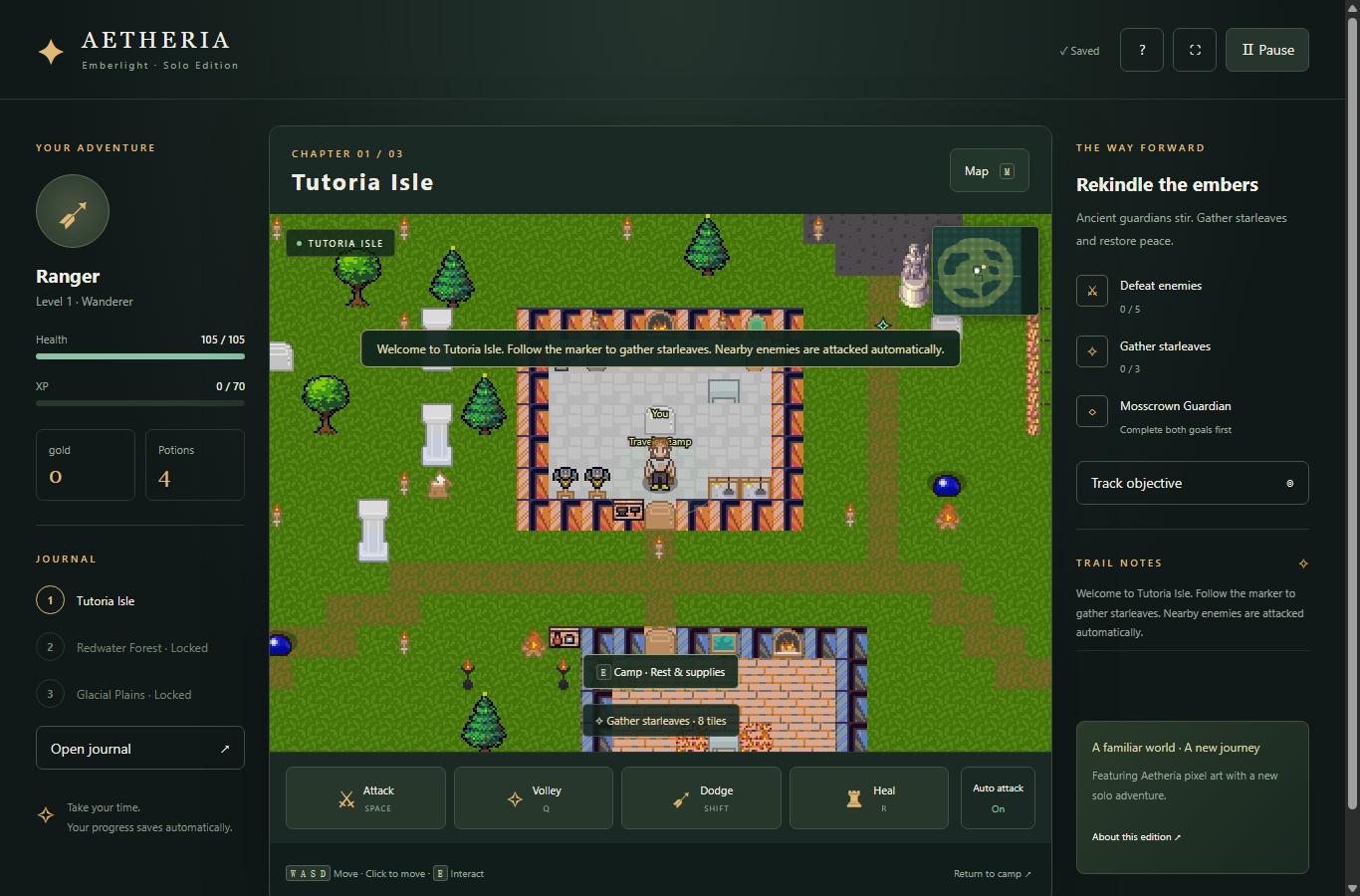
Choose a class and explore three lands in the English solo browser edition.
Open game & guide →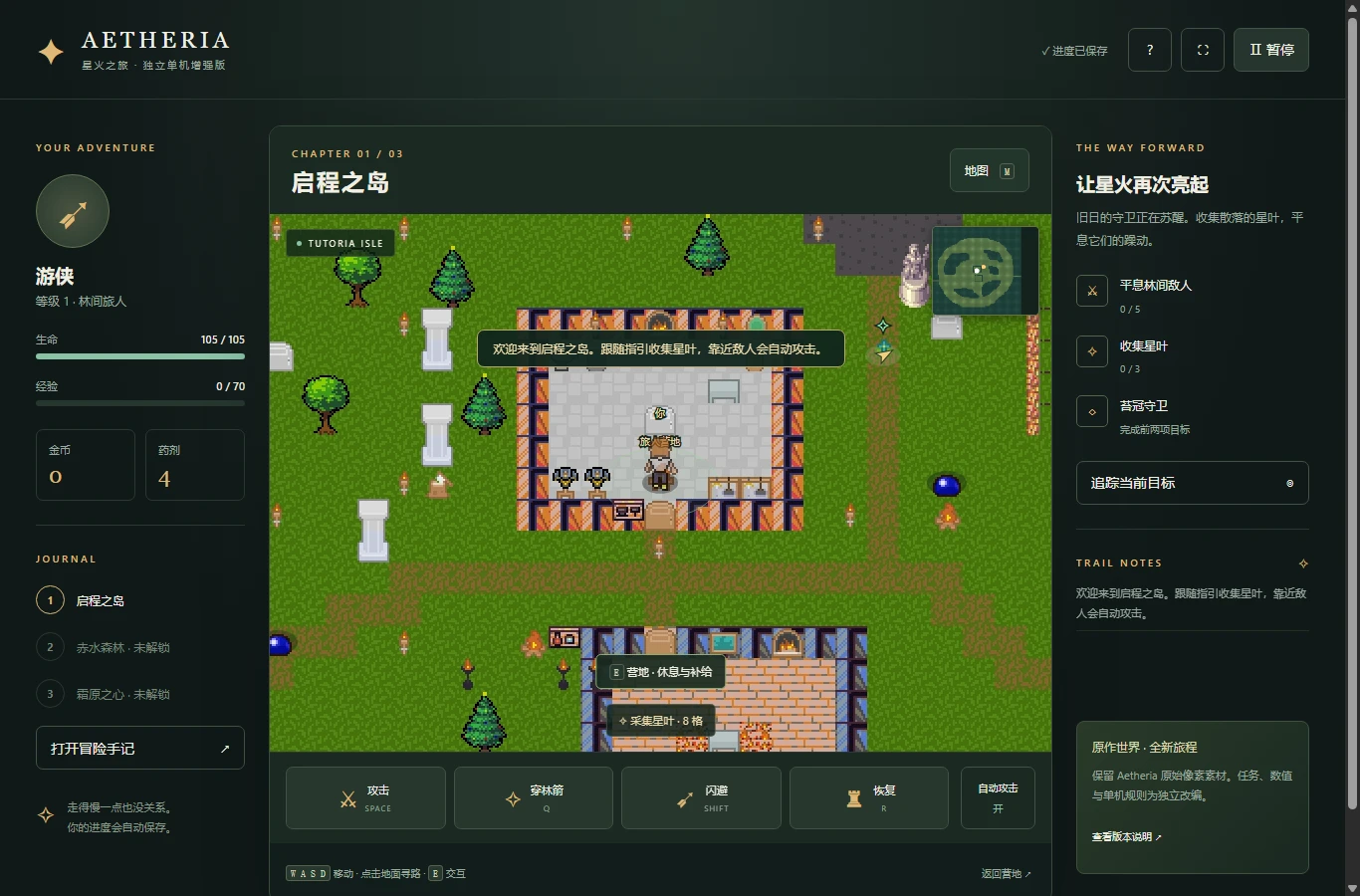
Explore three pixel-art regions in an independent solo adventure.
Open game & guide →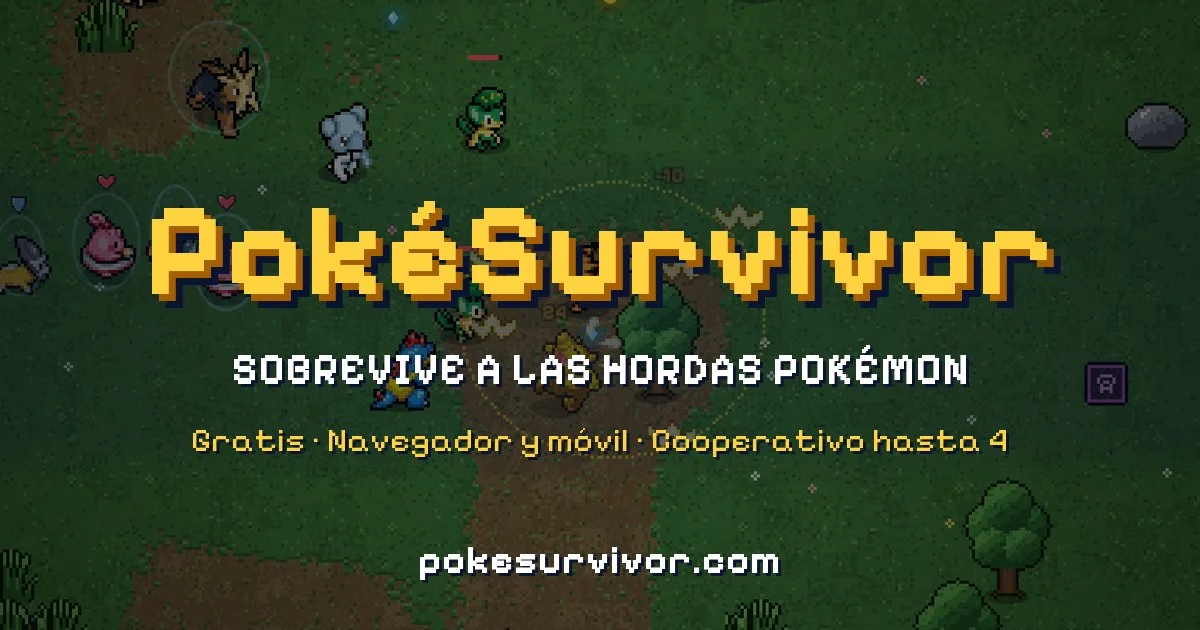
Solo survival, move evolutions and a searchable wiki.
Open game & guide →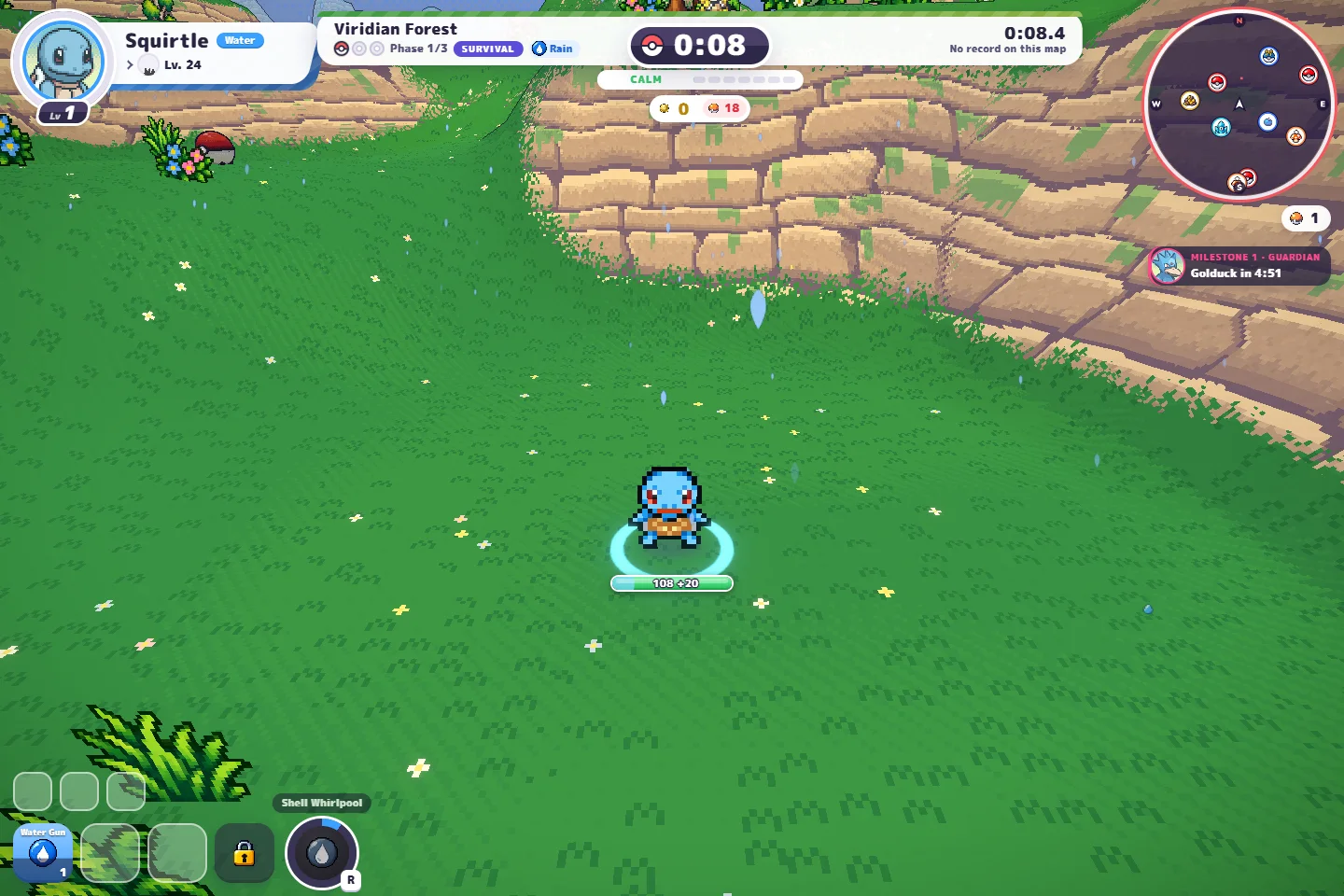
Our co-op game plus a separate guide to original PokeBonk.
Open game & guide →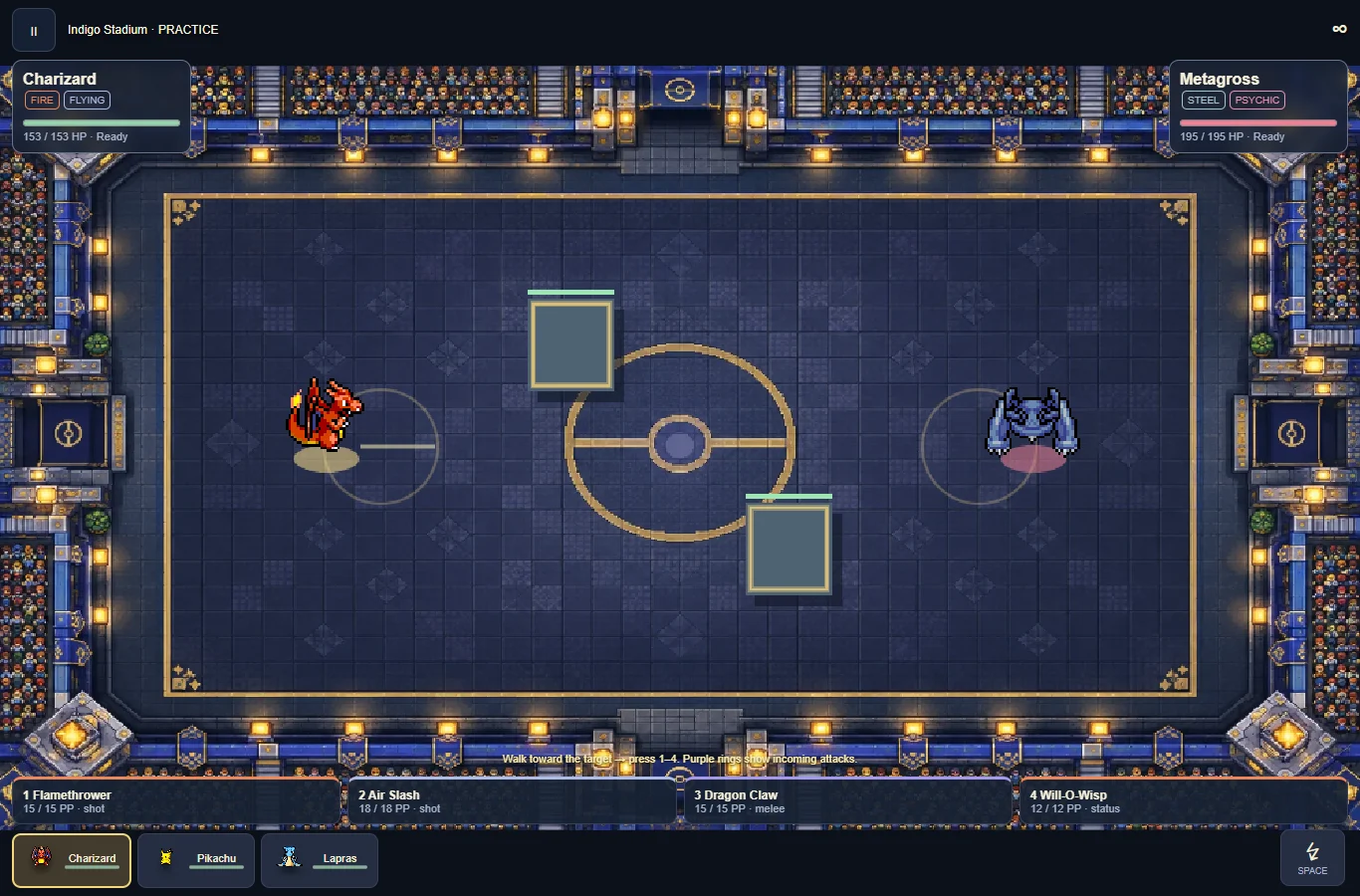
Build a trio, practice real-time attacks and challenge the CPU.
Open game & guide →