Aetheria: The Ember Trail
Three original pixel-art regions. A new single-player journey with skill combat, equipment upgrades and progress you can back up.
Begin the adventureAetheria: The Ember Trail
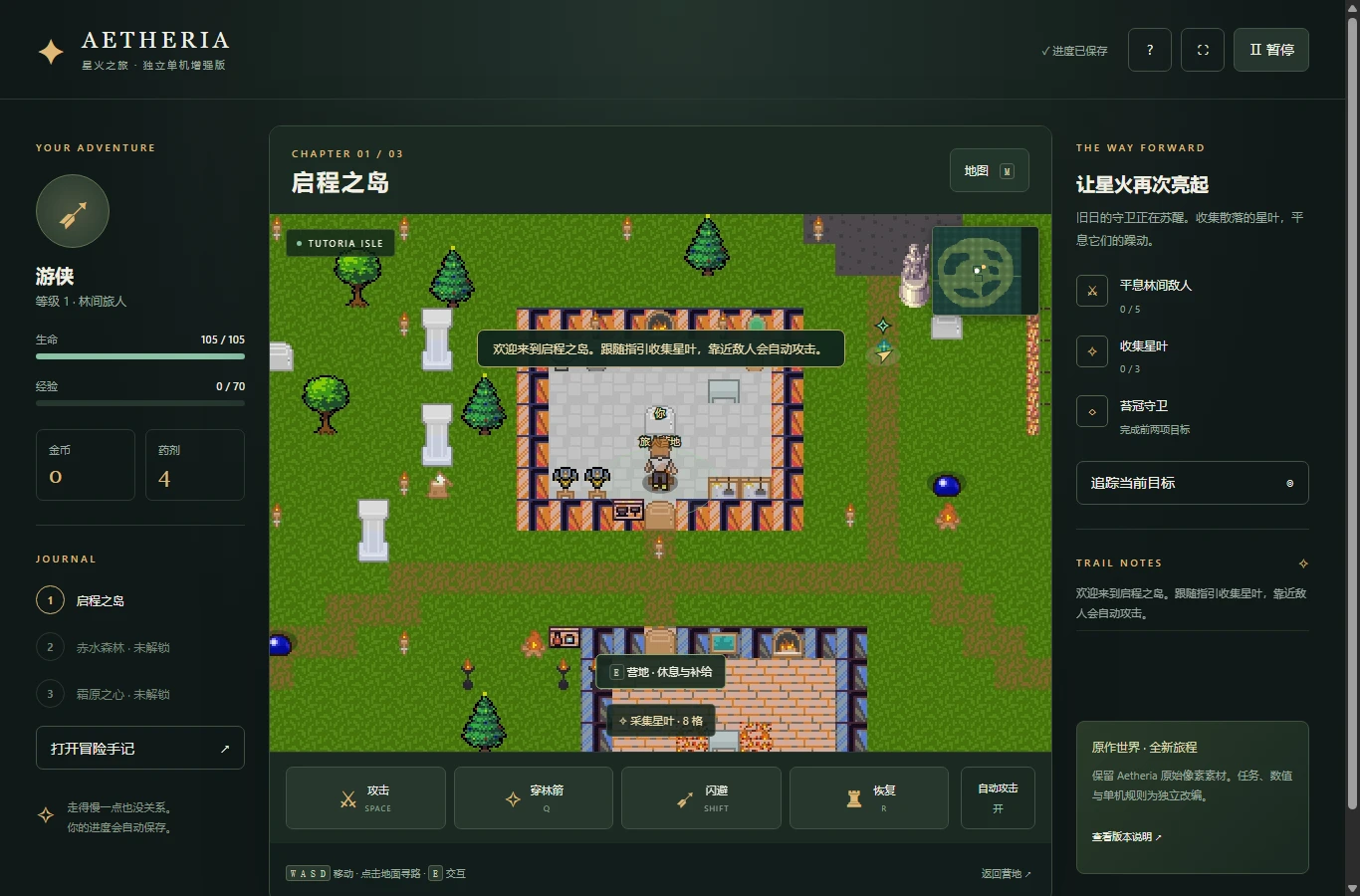
Play without an account. For the largest play area, use Open full game. Independent adaptation; no original-server connection.
A familiar pixel world, an independent adventure
The Ember Trail is a single-player browser adaptation built from the visual resources in the supplied Aetheria 1.0.3 desktop client. Its landscapes use the original terrain maps, sixteen-pixel tiles and scene artwork. The browser edition supplies its own combat rules, enemy behavior, progression and chapter objectives. This distinction matters: it is not a web connection to the original online world, an account-transfer tool or a promise that every feature from the desktop game has been reproduced.
Your task is to restore calm to three regions. Explore the island, gather star leaves, defeat nearby enemies and challenge the guardian that appears when the local objectives are complete. Then return to camp and travel onward. The adventure has a final chapter and a completion screen, but you can remain in the world afterward to explore and improve your equipment. The game interface is currently Simplified Chinese; this page explains the controls and rules in English.
Choose a class that fits how you want to move
The Warden, shown as 守林者, is the forgiving close-range option. It starts with 140 health and uses a sword attack that requires you to approach an enemy. Its special attack sweeps a wider nearby area. The Ranger, 游侠, starts with 105 health, moves faster and attacks from farther away. That extra reach gives you more space to react, although walls still block attacks. The Star Mage, 星术师, starts with 95 health and trades some durability for stronger ranged damage.
All three classes can complete the same chapters. Choosing a class changes your health, attack strength, movement speed, attack range and skill presentation; it does not lock you out of a region or create a different account. Equipment upgrades are available to every class. If you want to try another class, export your current save first, then use the new-journey option in the pause menu. A new journey replaces the active local save only after you confirm and begin.
Learn the island before chasing the next destination
Tutoria Isle is the first region. The browser chapter asks you to defeat five enemies and collect three star leaves before challenging its guardian. Star leaves are marked by a luminous symbol and are collected automatically when you move close enough. The objective tracker points toward your next task, while the minimap distinguishes your position, your camp and the current objective. Use the track button to draw a route on the ground when the direct direction crosses a building or a body of water.
The original map is larger than the immediate objective area, so you do not have to investigate every corner to finish a chapter. Take time to recognize walls, tree trunks and accessible paths. Clicking a reachable point on the desktop game requests a walking route; pressing a movement key cancels that automatic movement. Enemy contact is not the only thing to watch: enemy attack wind-ups provide the warning you need to step away before damage is applied.
Use skills, space and recovery deliberately
Basic attacks target a nearby enemy when automatic attack is enabled. You can turn that setting off and attack manually instead. Space performs a basic attack, Q uses your class skill, Shift triggers a short invulnerable dash and R consumes a recovery potion. Skills have a six-second cooldown. Dashing has a shorter cooldown and is useful when a guardian begins charging an area attack. An attack still needs range and a clear line of sight; standing behind a wall should not let either side deal damage through it.
Potions restore fifty-five percent of your maximum health, up to the maximum, and have their own cooldown. Trying to drink at full health does not spend a potion. A skill pressed with no enemy in range does not consume its cooldown either. Watch the health bar and the visible cooldown numbers instead of repeatedly pressing every button. A level-up restores health, but planning to gain a level during every dangerous fight is less reliable than keeping a recovery option available.
Make the camp part of your route
The camp is a practical checkpoint. Stand nearby and press E, or use the touch interaction button, to open its menu. Resting restores your health for free. Gold earned from combat and supply chests can buy potions or improve equipment. Each weapon upgrade adds seven attack power, while each armor upgrade adds sixteen maximum health. Both equipment categories stop at five upgrades. Upgrade prices increase with the current level, so compare the next improvement with the potions you may need for a longer excursion.
Supply chests contain gold and a potion. Unlike star leaves, they need an interaction when you are close enough. Each chest rewards a given save once; reopening the interface does not duplicate that reward. The return-to-camp button is convenient outside combat, but it refuses to teleport you when an enemy is nearby. Move away or finish the encounter before using it. Travel to another chapter is available from camp only after you have earned that destination by defeating the previous guardian.
Follow the trail through forest and snow
After the island guardian is defeated, Redwater Forest becomes available. Its chapter requires seven enemy defeats and four star leaves before the forest guardian can be challenged. Glacial Plains follows with eight defeats and five leaves before the final guardian. The browser adaptation uses the original terrain layouts for these named regions, while the chapter objectives and encounter placement belong to this solo edition. A region appearing in the source client does not mean every original quest or online system from that region is available here.
Later enemies have more health and cause more damage. Returning to camp, spending earned gold and using your class range helps you prepare without erasing progress. Common enemies can reappear after a delay when you have moved away, providing another way to earn experience. Completed guardians stay completed in your save. Defeating the final guardian records the ending and allows continued exploration; you do not need to defeat it repeatedly to keep your completion status.
Keep a copy of your own progress
The game saves to this browser on this website. Your class, level, experience, gold, equipment, potion count, completed objectives, collected rewards, current region, position and settings are included. Cooldowns are included too, so refreshing the page is not a shortcut to repeatedly using a skill or potion. Saving happens periodically and at important progress events. The pause menu offers export and import controls for a small JSON backup. An imported save is checked before you confirm replacing the active journey.
Browser storage is not cloud storage. A different device, a different browser profile, private-browsing restrictions or clearing site data can make a local save unavailable. Export before moving devices or clearing data. If a save is unreadable, the interface reports the problem and leaves the existing stored data untouched instead of silently deleting it. When the browser refuses a write, a warning asks you to export. Keep your backup somewhere you can find again; downloading a JSON file does not install a game or create an account.
Recover from a difficult encounter without starting over
If an encounter feels overwhelming, first look at the situation rather than immediately replacing your character. Several enemies may have followed you into the same space. Move back toward an open path, let your recovery cooldown finish and approach a smaller group. The camp remains a place to recover without paying for health. Equipment improvements persist, so gold earned during an unsuccessful attempt can still help your next attempt. Defeat does not erase your chapter checklist or remove a guardian victory you already earned.
If the interface seems unresponsive, check whether a menu has paused the world and whether the game area has keyboard focus. Close the menu with its return button, then click the world before trying the movement keys. A visible cooldown means that action is temporarily unavailable, not that the entire game has frozen. For a resource-loading error, use the retry control. Avoid clearing browser data as a first troubleshooting step: doing that can remove the progress you are trying to recover. Export a readable save before changing browser profiles or resetting site settings.
Play comfortably on a phone or with a keyboard
Desktop movement supports WASD and the arrow keys. Click inside the game before using keyboard shortcuts, especially when it is embedded in this guide. E interacts, M opens the region map and Escape pauses. You can also use the visible buttons for the journal, map, recovery and camp return. Opening a menu pauses the world, and leaving the active page pauses play as well. Your character should not continue taking damage while you read settings or switch away to another task.
On a narrow screen, the game provides a movement stick on the left and an interaction button on the right. The four combat actions remain grouped below the world with consistent touch targets. Opening the full game gives it more space than playing inside the guide. Reduced-motion and optional synthesized sound settings are in the pause menu. Sound begins only through the game interaction flow. There is no claim of full offline-install support: an initial page load still needs access to the game resources.
Aetheria browser edition questions
Is this the original Aetheria online server?
No. This is an independent single-player adaptation with its own rules and local progress. It does not connect to the original server, accept original account credentials or synchronize an online character. Original artwork and terrain resources do not make the browser implementation identical to the original service.
Does the game include every original map and quest?
The playable campaign contains Tutoria Isle, Redwater Forest and Glacial Plains. The source client contains additional resources, but those resources are not presented as completed browser chapters. The campaign objectives, enemy AI, rewards and equipment progression here are newly implemented single-player systems.
Do I need to download Java or an EXE?
No installer or Java runtime is needed to play this edition. Open the game in the browser and wait for its local images and map data to load. The only optional download in the interface is a JSON backup of your progress.
What happens when my character dies?
You can choose to reappear at camp with your health restored. Your levels, completed objectives, equipment and collected rewards remain. Returning to camp is a chance to change your approach, rest and spend gold before trying the encounter again.
Can I transfer a save to another device?
Export your save from the pause menu, move that JSON file yourself, then import it on the other device. Review the displayed class, level and region before confirming replacement. This is a manual backup workflow, not automatic cloud synchronization.
Why is the next destination locked?
Defeat the current region guardian after completing its enemy and star-leaf requirements. Then return to camp and choose the newly unlocked region. Merely opening the map, collecting gold or reaching a high character level does not complete the guardian objective.
Are there multiplayer, chat or purchases?
This edition has no multiplayer rooms, online chat, purchases or subscription system. It is designed around a self-contained solo journey. Other games linked on this website have separate rules and saves; their features do not automatically apply to Aetheria.
Is the artwork a pixel-perfect recreation?
The browser uses the original image files and decoded terrain references with crisp nearest-neighbor drawing. Its interface, encounter placement and single-player systems are adapted. We do not claim complete screen-by-screen pixel equivalence without matched original-game runtime captures.
Edition note: 23 October 2026. Original visual assets belong to their respective owners. This local adaptation is not an official release or a complete restoration of the original online service. No affiliation with the original creator is claimed.
Choose your next battle
Different games, different rulesAetheria · The Ember Trail
Explore three pixel-art regions in an independent solo adventure.
Open game & guide →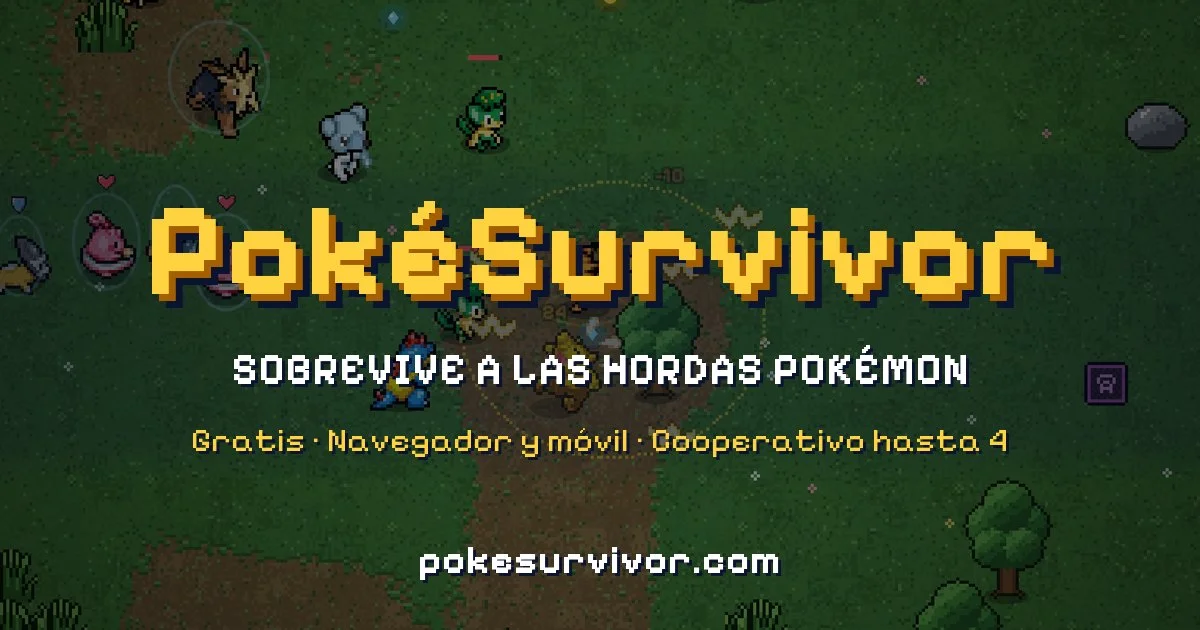
PokéSurvivor
Solo survival, move evolutions and a searchable wiki.
Open game & guide →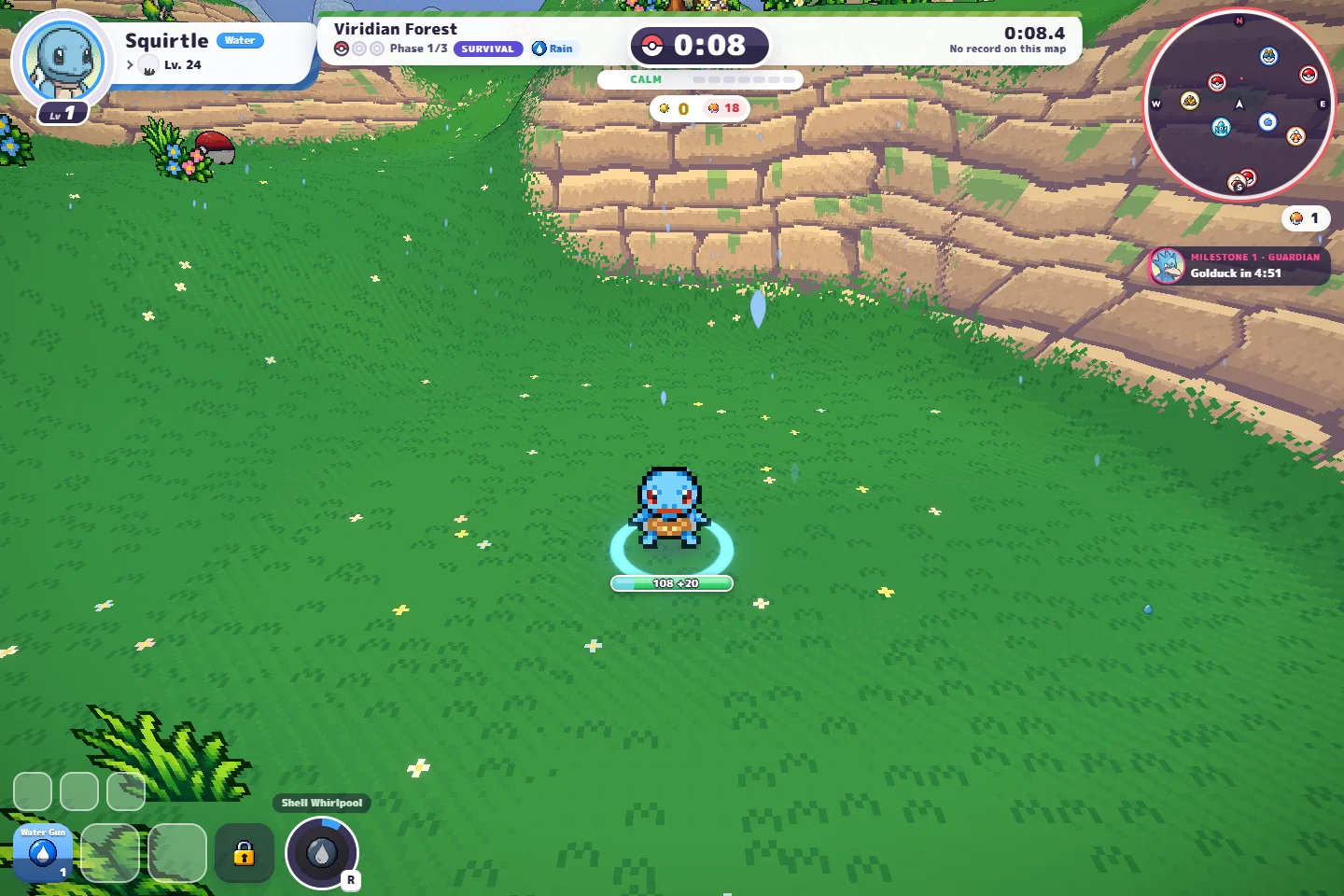
Forest Party & PokeBonk
Our co-op game plus a separate guide to original PokeBonk.
Open game & guide →
Pokémon Arena 2D · Arena Lab
Build a trio, practice real-time attacks and challenge the CPU.
Open game & guide →