
Controls at a glance
| Action | Keyboard | Touch |
|---|---|---|
| Move | WASD / arrow keys | Drag the movement joystick |
| Attack | Automatic with the active move | Automatic with the active move |
| Switch move | 1–4 or Q / E | Tap a move slot |
| Pause | Esc / P | Tap the pause control |
What should I do in my first minute?
Keep moving through open ground, collect nearby experience and upgrade your starting attack. Try one deliberate slot switch when you gain a second move. Learning these controls is a better first goal than chasing a survival-time record.
Can I choose Pikachu or Eevee immediately?
They are collection unlocks, not starting-partner choices in this version. Check their profiles for the Kanto banner; the five featured Pokémon on the home page are not all free starters.
In the local game
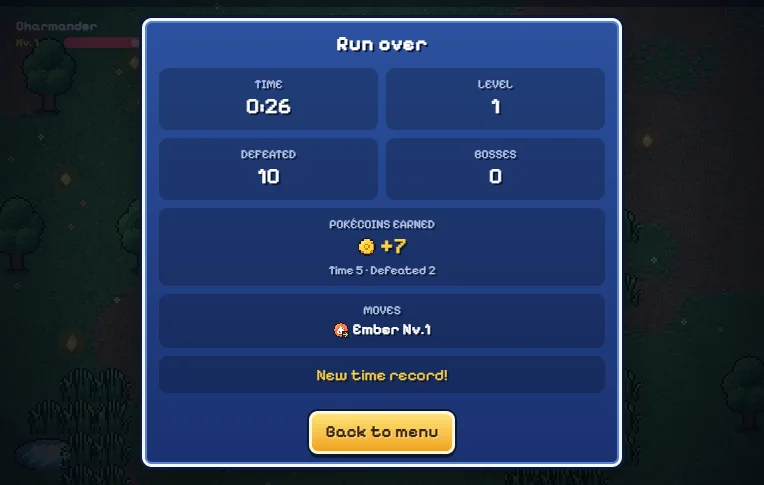
Actual desktop browser captures from this local edition, 14 October 2026. Open an image for a larger view.
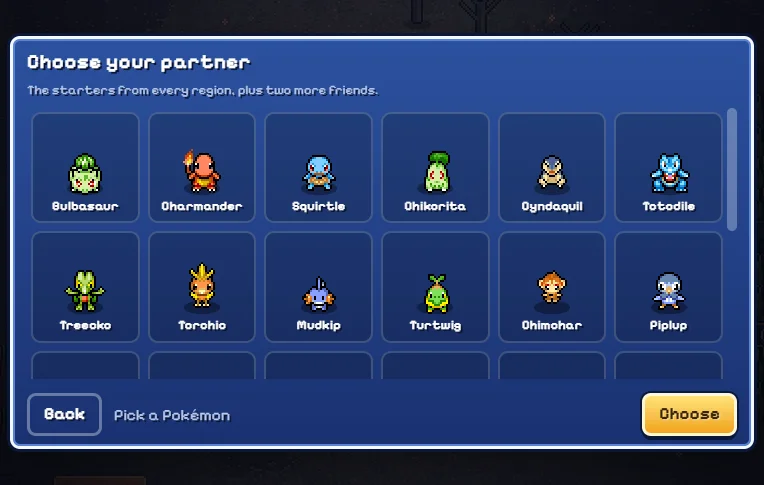
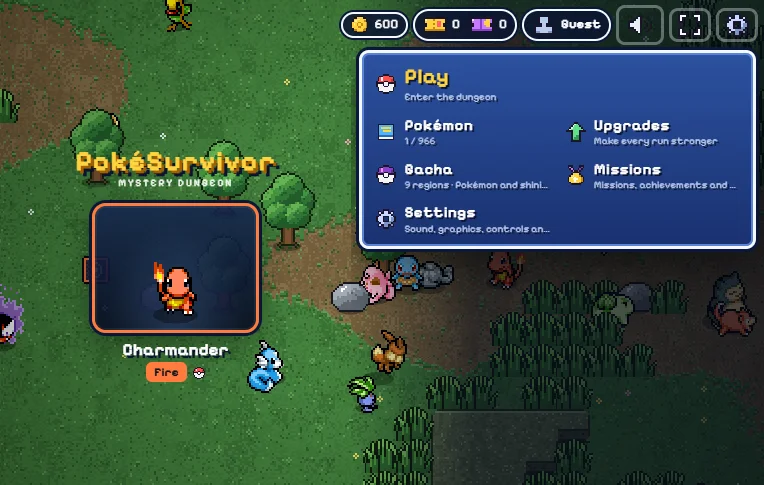
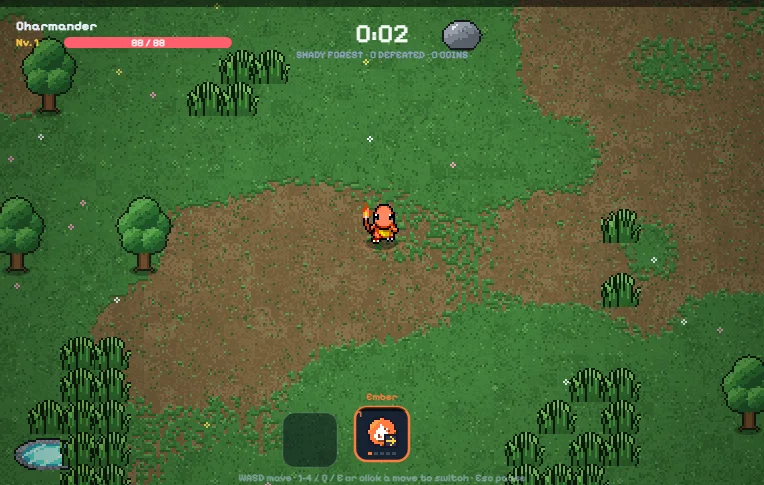
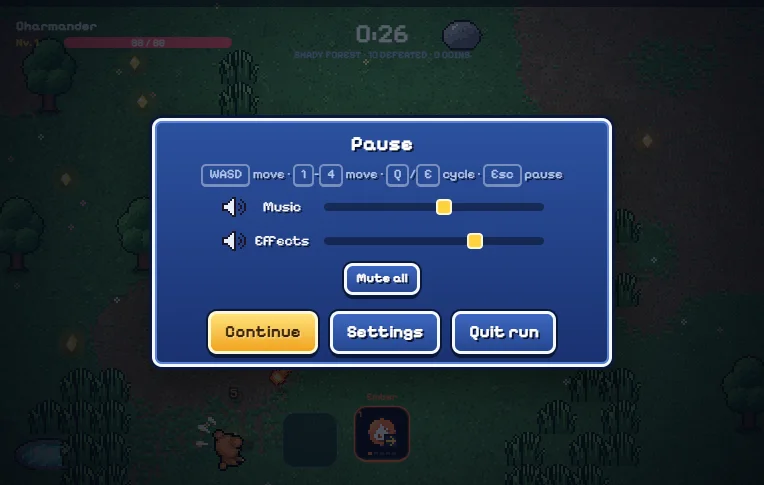
Choose your partner
Click Play Now, then Play / continue locally inside the game. On a new save, complete the personality questions or choose another starting partner. Your partner determines the starting move and the legal move pool; it is not just a cosmetic choice.
Move before you attack
Use WASD or the arrow keys. On a touch screen, drag to create the movement joystick. Attacks fire automatically: stay mobile, leave room to turn, and move away from warning shapes before they fill. Walls and terrain affect positioning.
Collect experience and choose a card
Experience pickups raise your run level. The level-up screen offers new moves, move levels and run stat upgrades. A new move occupies a slot; raising a move level strengthens an existing option. Read the evolution requirement before choosing a stat card.
Switch the active move
Press 1–4 for a slot, or Q/E to cycle. On mobile, tap the move at the bottom. Owning four moves does not mean all four fire together: the active slot is what attacks. Bonds are a separate mechanic unlocked during play.
Finish and prepare again
Pause with Esc or P, or the touch pause control. Earned collection progress and completed-run rewards save locally on this website when browser storage is available; an unfinished battle is not a resumable save state. Use the menu to inspect permanent upgrades for your chosen partner.
Common mistakes & limits
- If attacks look wrong, check which slot is active before changing the build.
- If your browser blocks storage, play still works but persistent progress is unavailable.
- The fullscreen button cannot guarantee mobile orientation lock. Landscape is recommended.
Sources and next steps
Reviewed against JPTER78’s fixed game source and the author’s guide. Evidence: source-checked rules. Desktop checks cover navigation, partner selection, a short run, pause, results and persistence after reload; long-run and real-device validation are still pending.